
The best Adobe barcode plugin
isn’t a plugin
2 barcode workflows using Multti
Data Merge as usual
then Re-merge to add barcodes
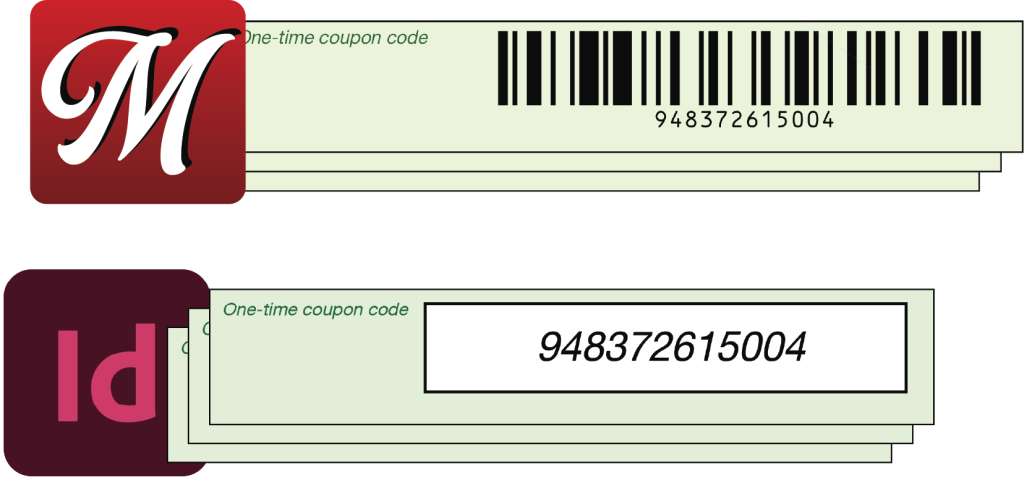
Just Data Merge the barcode data as variable text, much like you would with Chartbot Barcodes.
Then load the merged PDF into Multti. It pulls selected text from each page and replaces it with individualized barcodes. Fast!
It’s quick, but isn’t re-merging an extra step? Maybe, maybe not: Multti also does true imposition and other sorts of production processing and reformatting all in one; it will likely eliminate other workflow steps.
…or do the entire merge with software that has built-in barcodes!
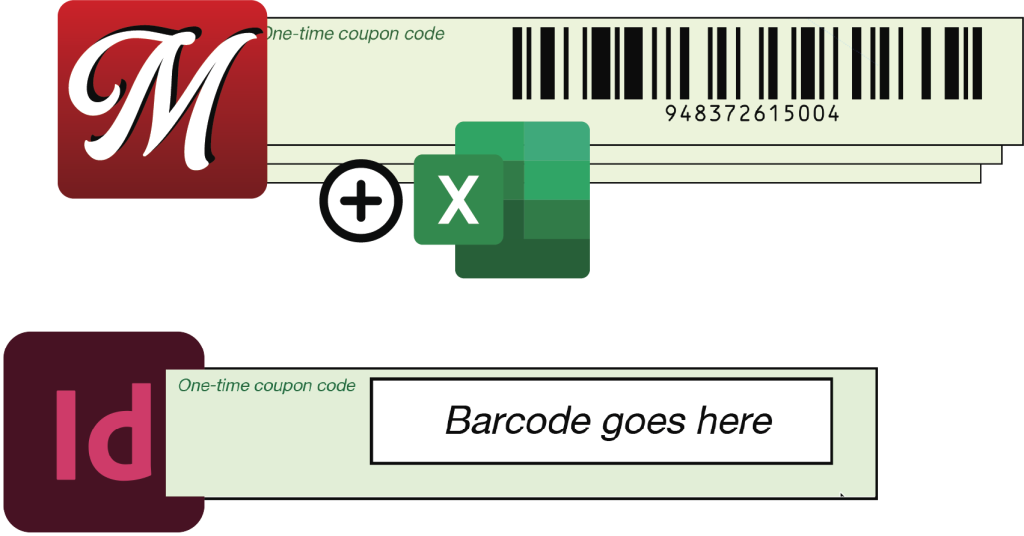
You can use InDesign, Illustrator, Photoshop or other software to create a single- or multi-page layout with fixed stand-in text or boxes for variable barcodes, text, vector graphics and images. Export it to PDF. One time.
Load that PDF into Multti along with CSV or Excel data file(s). Make the PDF into a merge template by selecting the stand-in text and boxes, connect them to fields in the data files. Optionally set up true imposition, target various output media sizes, use formulas to transform and combine data.
In production, merge the saved Multti template, load more data, merge again. It’s impossibly fast, and it’s easy to change to different output media & sizes between runs. No expensive, slow Adobe licenses.
Multti for variable data: why not just use Data Merge?
Multti works with
- InDesign
- Illustrator
- Photoshop
- Word
- Any PDF…
Barcodes
- 27+ types
- Vector quality
Text
- Auto-fit text overflow
- PDFs as text data sources
Images
- FAST! Merge around 1,000 images/sec vs. InDesign’s 10 images/sec.
- Auto-fix sideways JPG images
- Per-image fitting options, selectable image position
- PDFs as image sources, including vector images
Data
- Excel: no converting to CSV
- CSV: no editing headers, no adding @ or #
- PDFs as text and image data sources
- Serial auto-numbering
- 10 simultaneous data sources, no need to merge or reformat spreadsheets
- Formulas combine, extract, compute data
Easy setup
- Zero install
- Privacy: browser-based app never sends data & layouts to outside servers
- Instant 1-click inch <–> metric switch
Re-merging
- Reprocess & edit existing merged jobs
- Can barcode PDF text data in-place
- Mass-correct merged jobs, e.g. update date or text
- Change existing N-up
N-up imposition
- Duplex, cut & stack, Duplo, etc
- No time-consuming separate imposition
- Bleed, trim marks
- Custom signature sheet background & slugs
- Control layout’s position & size within imposition cells
Production
- FAST! No overnight merges; speed is vital for fast-turnaround shops
- Fast rework: speed is critical for urgent rework, not just useful
- No surprises: auto-fix text overflow, sideways JPGs, missing images
- No expensive InDesign license for production PC
- Separate app doesn’t tie up InDesign or PC
- Multiple PCs & printers: no separate license, no extra charge
- Pre-setup routine jobs for production operators
- No converting & editing data, no editing CSV headers
- No 9999 page limit
- Partial merges with automatic resume
- Easily resize/reformat for different media
- Custom trim marks
- Batch header & trailer sheets