
The best InDesign barcode plugin
is not a plugin
There are better ways to add barcodes to InDesign
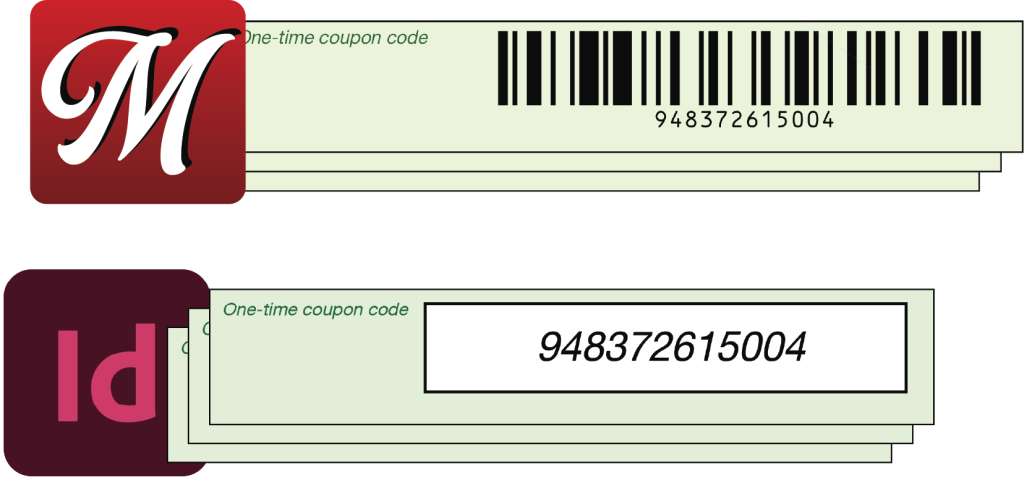
Re-merge barcodes into a Data-Merged PDF
Just Data Merge the barcode data as variable text, much like you would with Chartbot Barcodes.
Then load the InDesign-merged PDF into Multti. It pulls selected text from each page and replaces it with individualized barcodes. Fast!
Though quick, isn’t re-merging an extra step? Maybe, maybe not: Multti also does true imposition and other sorts of production processing and reformatting all in one; it will likely eliminate other workflow steps.
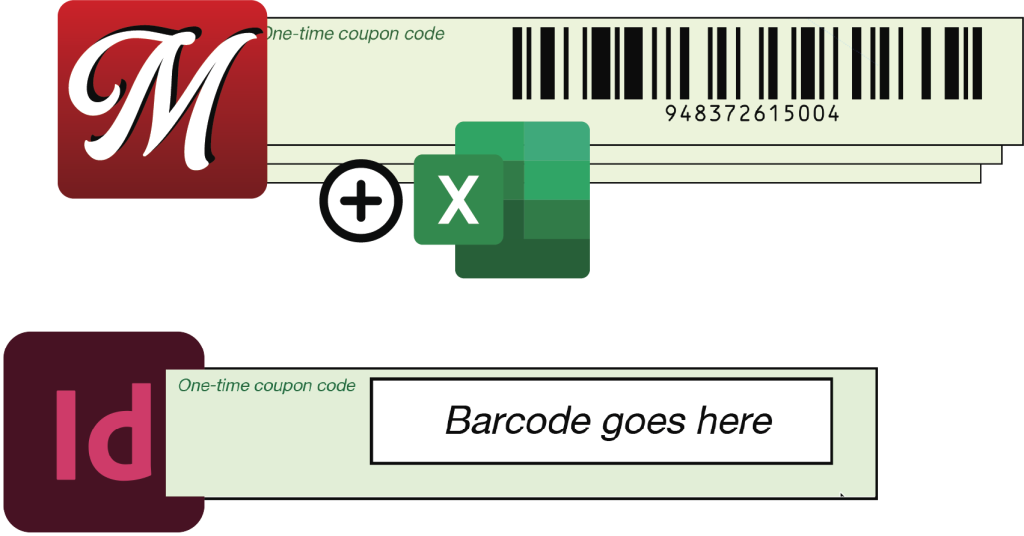
…or do the merge using software with
built-in barcodes!
You can use InDesign or other software to create a single- or multi-page layout with fixed stand-in text or boxes for variable barcodes, text, vector graphics and images. Export it to PDF. One time.
Load that PDF into Multti along with your CSV or Excel data file(s). Make the PDF into a merge template by selecting the stand-in text and boxes, connect them to fields in the data files. Optionally set up true imposition, target various output media sizes, use formulas to transform and combine data.
In production, merge the Multti template, load new data, merge again. It’s impossibly fast, and it’s easy to change to different output media & sizes between runs. No expensive, slow InDesign licenses.